Kit, catalogue and rentals
Kits made of several pieces
Putting a head, stands and modifiers together as one line, while each piece is still tracked.
A kit is one catalogue item made of other items, for example a three head lighting kit. It goes on the estimate as one line at its own day rate, but each piece in it is held on the job and checked for clashes.
- Add or open the item in the catalogue.
- Tick This is a kit made of other items.
- Click Save.
- In Kit contents, choose a piece and type the Qty.
- Click Add.
- Repeat for each piece.
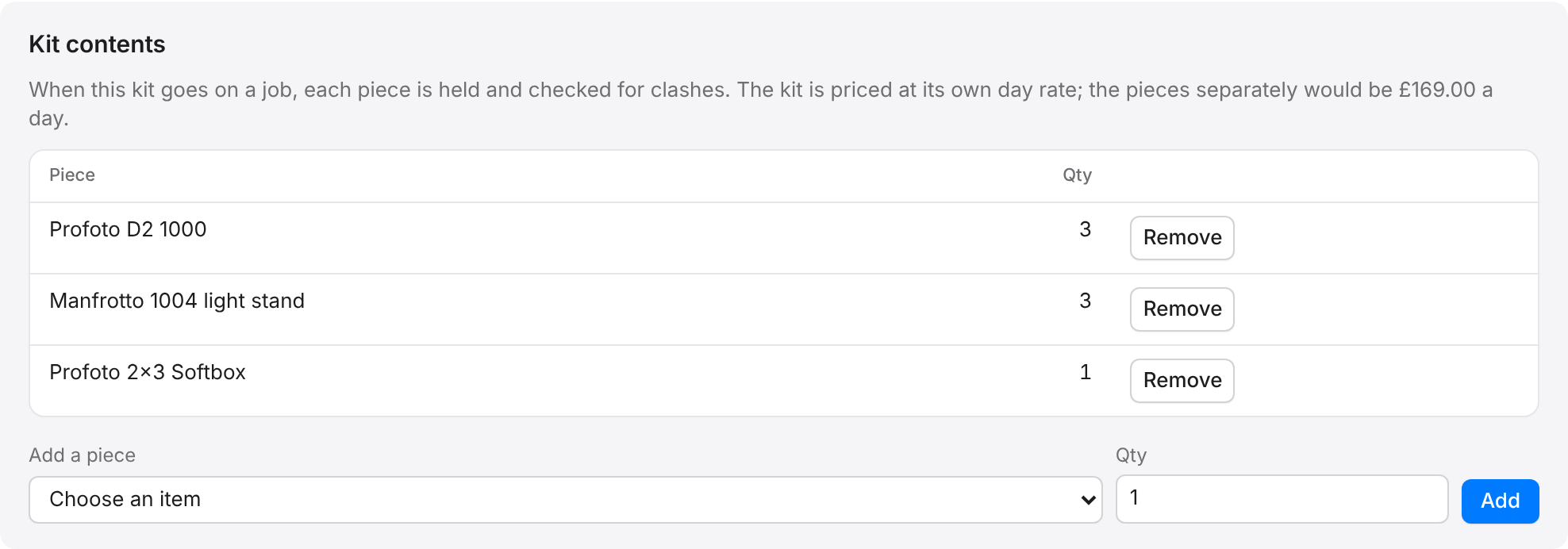
The panel shows what the pieces would cost if hired separately, so you can see the saving the kit gives. Click Remove beside a piece to take it out.
On an estimate, a kit line lists what it includes, and its tag says kit in the catalogue search.