Invoices and payments
Automatic payment reminders
Switching reminders on, choosing when they go, and turning them off for one invoice.
BidWrap can email clients about unpaid invoices for you. Reminders go only for invoices you emailed from BidWrap, to the address the invoice was last emailed to. They stop as soon as the invoice is paid or written off.
Switching them on
- Click Settings in the side menu.
- Click Emails in the list down the side.
- Tick Send automatic payment reminders.
- Tick which reminders to send: 3 days before the due date, on the due date, 7 days after, and 14 days after.
- Click Save emails and reminders.
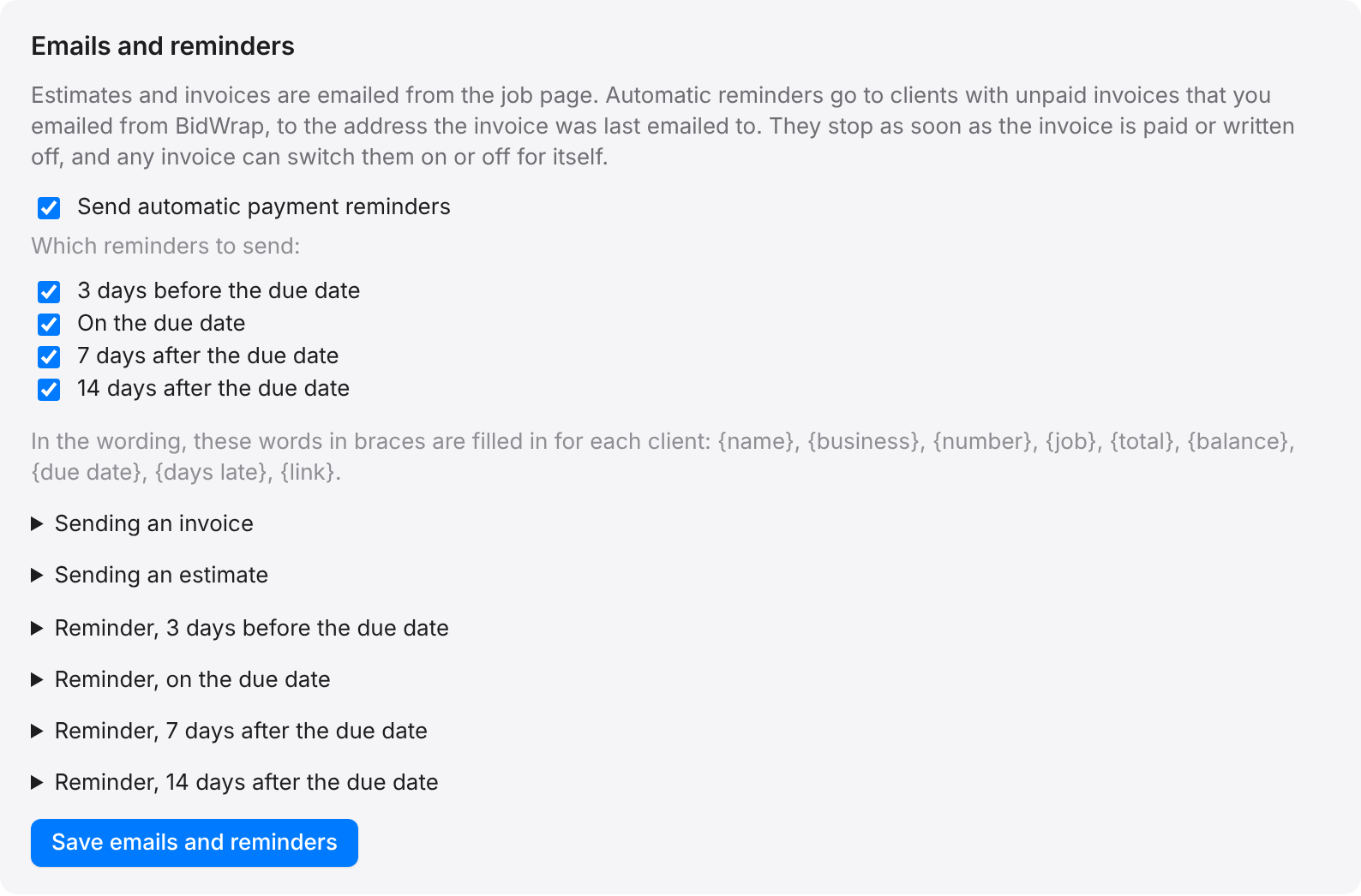
You can change the wording of each reminder in the same panel. See Changing the wording of emails.
For one invoice
- Open the invoice.
- Under Email to the client, find Automatic payment reminders.
- Choose On for this invoice or Off for this invoice, or leave it as set in Settings.
- Click Save.
Each reminder sent is listed with the other emails on the invoice.