Getting started
Getting help and reporting a problem
How to tell us when something is broken, confusing or missing.
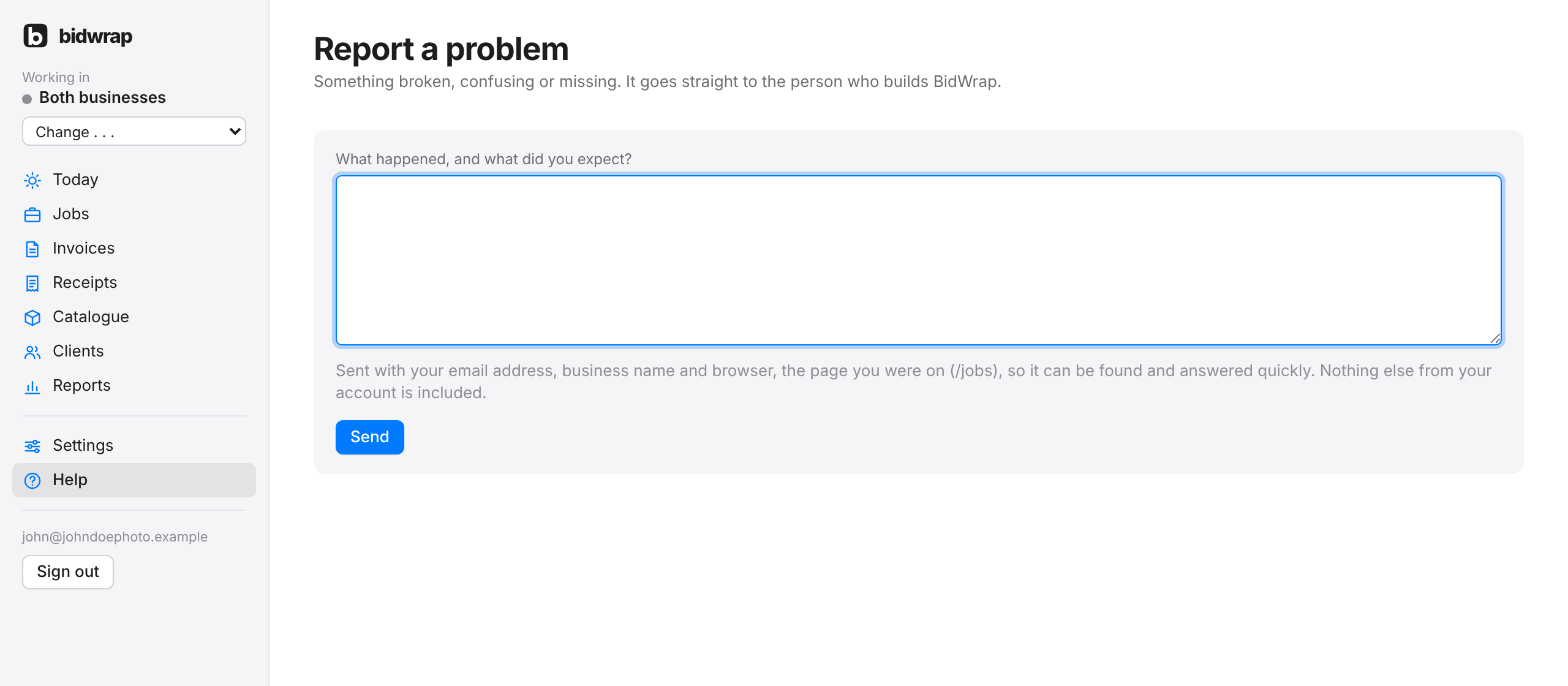
If something does not work the way you expect, tell us. It goes straight to the person who builds BidWrap.
- Click Help in the side menu.
- Click Report a problem at the top of the page.
- Type what happened, which page you were on, and what you expected to happen.
- Click Send.
Your report is sent with your email address, business name and browser, so it can be found and answered quickly. Nothing else from your account is included. You get a reply by email.
If BidWrap shows a page saying something went wrong, click Report a problem on that page instead. The report then includes the page and the error code for you.
You can also email hello@bidwrap.app.