Settings, calendar and backups
Seeing your jobs in your calendar
A private link that shows every job in Apple Calendar, Google Calendar or Outlook.
The calendar link shows each job with dates as an all day event, with its days and kit. Enquiries and estimates show as pencils. Jobs for every business name are in the one calendar, called BidWrap jobs. Calendar apps check for changes every few hours.
- Click Settings in the side menu.
- Click Calendar in the list down the side.
- Click Switch on the calendar link.
- On a Mac, iPhone or iPad, click Add to Apple Calendar.
- For Google Calendar or Outlook, click Copy the link and add it as a calendar from a link. In Google Calendar that is Other calendars, then From URL.
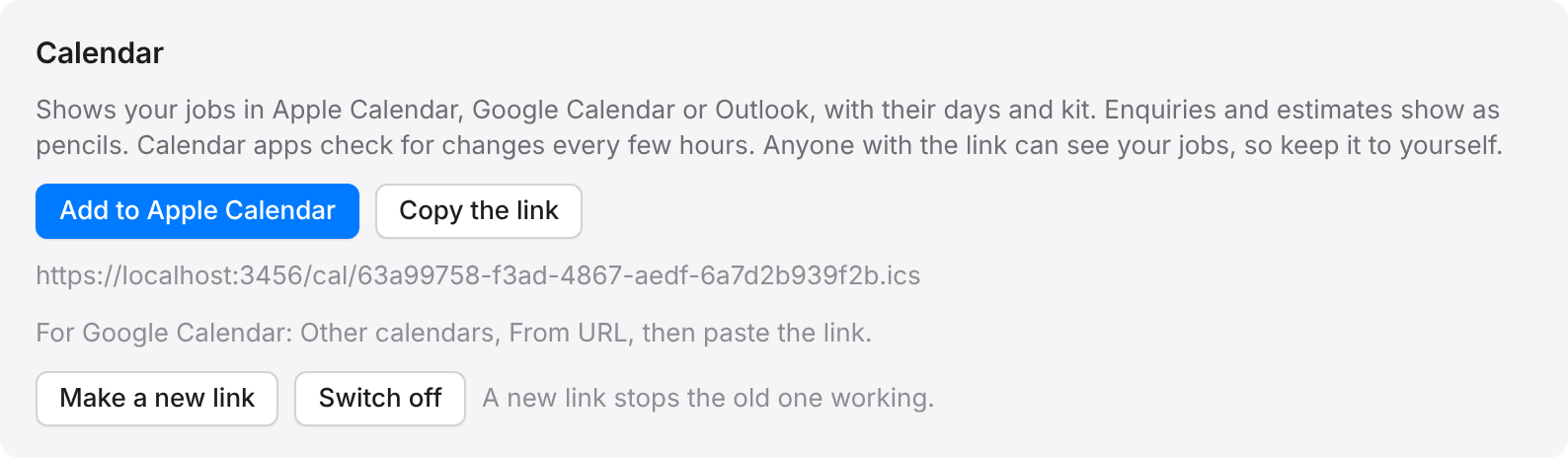
Good to knowAnyone with the link can see your jobs, so keep it to yourself. If it gets out, click Make a new link, which stops the old one working.
Click Switch off to stop the link altogether. Only the owner and admins can switch it on or off.