Settings, calendar and backups
Backups and keeping your own copy
The nightly backup, making one by hand, and downloading it.
Every night BidWrap makes a copy of everything in your business: jobs, estimates, invoices, clients, receipts, catalogue and settings. The last 14 are kept.
- Click Settings in the side menu.
- Click Backups in the list down the side.
- Click Make a backup now for a copy straight away.
- Click Download beside a backup to save it to your computer.
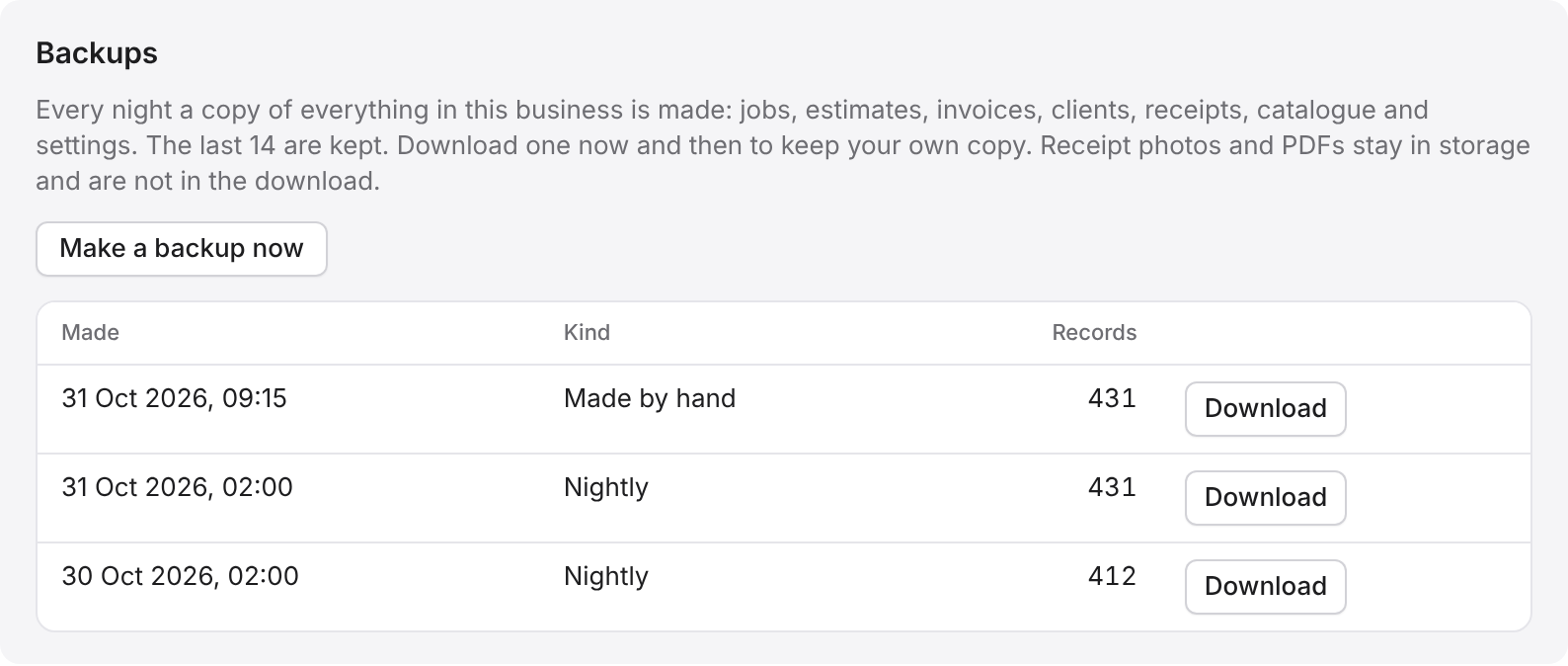
It is worth downloading one now and then, to keep your own copy. The download is a file of your records. Receipt photos and PDFs stay in storage and are not in it.